Best Route Planning Software: How to Choose the Right Tool
The best route planning software can help you spend less time figuring out where to go and more time getting there. Whether you’re planning a weekend road trip, making deliveries, or coordinating a fleet, the right tool can map stops, estimate travel times, and help you adapt when plans change.
There isn’t one best option for everyone. A free navigation app may be all you need for a few personal stops, while a delivery business may need route optimization, driver tracking, and proof of delivery. This guide explains what route planning software does, which features to look for, and how to choose a solution that fits your needs.
What Is Route Planning Software?
Route planning software helps users find and organize travel routes between locations. Basic tools provide directions from one place to another. More advanced platforms can arrange dozens or hundreds of stops, account for time windows and vehicle limits, and suggest efficient routes for multiple drivers.
Many tools also include navigation, estimated arrival times, traffic information, route sharing, and reporting. Features differ by provider, so it’s important to check what’s included in each plan.
Types of Route Planning Tools
Navigation Apps for Everyday Trips
Navigation apps such as Google Maps, Apple Maps, and Waze are useful for everyday driving. They offer turn-by-turn directions and may provide traffic updates, alternate routes, and estimated arrival times. They’re a practical choice for commuters, travelers, and people making a small number of stops.
These apps aren’t always designed to optimize complex delivery routes or manage a team of drivers. If you have many stops or business requirements, look for software built specifically for multi-stop planning or fleet operations.
Multi-Stop Route Planners
Multi-stop route planners help organize a series of destinations into a more efficient itinerary. Depending on the product, you may be able to reorder stops automatically, import addresses, share a route, or send it to a navigation app.
These tools can be useful for sales representatives, service professionals, travelers, and small businesses that need to visit several locations in one day.
Delivery and Fleet Management Platforms
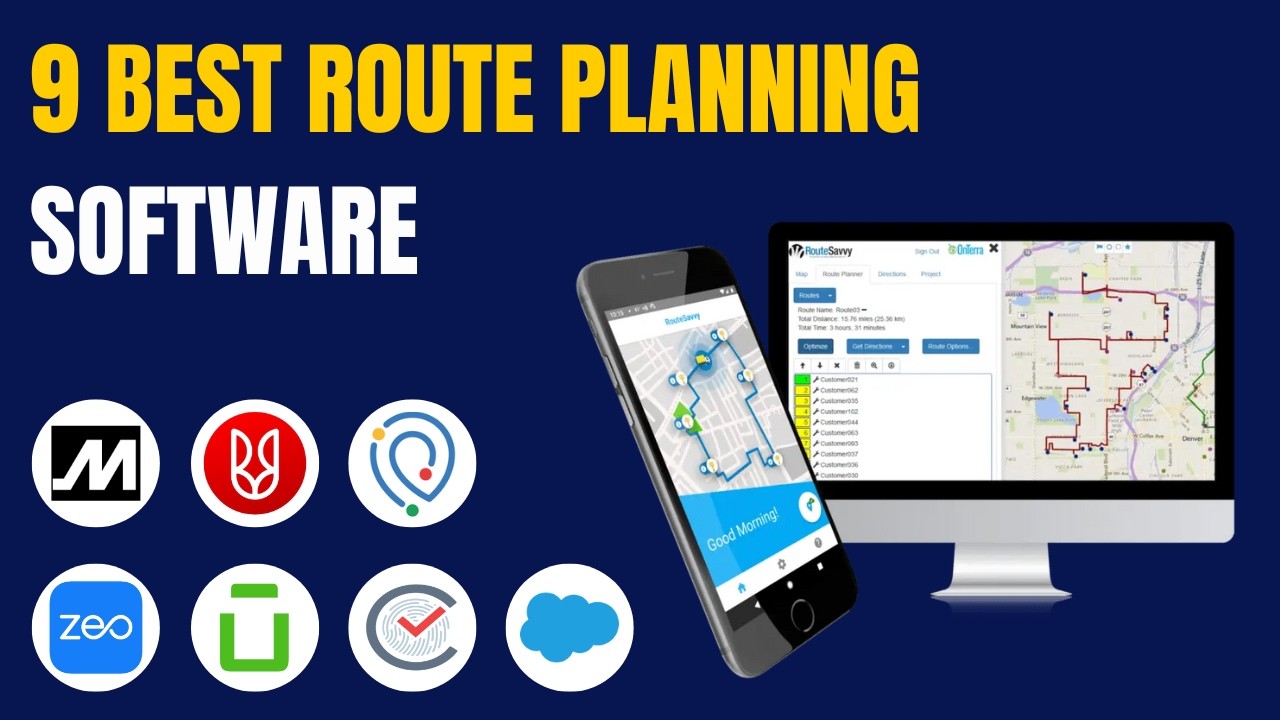
Business-focused platforms are designed for delivery companies, field service teams, and fleets. In addition to route optimization, they may offer driver assignment, customer notifications, live tracking, delivery confirmation, and performance reports. Examples in this category include Route4Me, OptimoRoute, Circuit for Teams, and Onfleet. Available features and pricing vary, so compare plans before choosing.
Features to Look For
- Stop optimization: Reorders destinations to reduce travel time or distance, based on the options available.
- Traffic-aware estimates: Uses traffic information to help estimate trip duration and arrival times.
- Time windows and priorities: Helps plan around appointment times, delivery windows, or high-priority stops.
- Multiple vehicles or drivers: Supports assigning stops across a team when one route isn’t enough.
- Address import: Makes it easier to add stops from spreadsheets, forms, or business systems.
- Mobile access: Lets drivers or travelers view routes and updates on a phone or tablet.
- Route sharing: Allows a planned itinerary to be sent to other people or navigation apps.
- Reporting: Helps businesses review mileage, completed stops, and other operational details.
- Offline access: Can be valuable when traveling through areas with limited cellular service.
Popular Options by Use Case
| Use case | What to consider |
|---|---|
| Everyday driving | A familiar navigation app with dependable directions and traffic information. |
| Road trips | Easy stop planning, route sharing, useful map details, and support for your travel style. |
| Several stops in one day | A multi-stop planner that can organize destinations and transfer routes to your navigation app. |
| Deliveries or field service | A business platform with route optimization, driver assignment, customer updates, and reporting. |
| Large fleets | Scalable fleet software that integrates with existing systems and supports operational oversight. |
How to Choose the Best Route Planning Software
Start With Your Needs
Think about how many stops you plan, how often you travel, and whether you’re planning routes for yourself or a team. A basic app may be sufficient for occasional trips. Regular business routes often require more automation and coordination tools.
Check the Route Rules
Consider whether the software can handle requirements such as delivery time windows, vehicle capacity, driver schedules, or preferred roads. If your work involves specialized vehicles, check whether the platform can account for relevant restrictions.
Compare Ease of Use
A route planner should be straightforward to use on the devices your team already carries. Look for clear maps, simple stop entry, and an easy way to share route changes. A free trial or demo can help you see whether the workflow suits your needs.
Review Pricing and Limits
Compare subscription costs with the features included. Check for limits on stops, drivers, vehicles, or monthly routes, as well as fees for additional users or integrations. A low-cost plan may be a good fit for a small operation, while a larger team may benefit from more advanced tools.
Test It on Real Routes
Before committing, try the software with routes you know. Compare the suggested order of stops, travel-time estimates, mobile experience, and route-sharing process. Real-world testing is the best way to see whether a tool works for your situation.
Final Thoughts
The best route planning software depends on what you need it to do. Navigation apps work well for many everyday trips, multi-stop planners can simplify busy itineraries, and fleet platforms provide additional tools for managing drivers and deliveries. Compare features, test your typical routes, and choose a solution that makes planning easier without adding unnecessary complexity.
Top FAQs About Choosing the Best Route Planning Software
- What is the best route planning software for multiple stops?
- What is the best free route planning software?
- Which route planning software is best for delivery businesses?
- How does route planning software optimize routes?
- Can route planning software account for traffic and estimated arrival times?
- What features should I look for in route planning software?
- How many stops can route planning software plan at once?
- Does route planning software work with Google Maps or other navigation apps?
- How much does route planning software typically cost?
What is the best route planning software for multiple stops?
The best route planning software for multiple stops depends on how many destinations you have and whether you’re planning personal trips or business routes. For a simple itinerary, Google Maps may be enough; for automatic stop optimization, recurring routes, or multiple drivers, tools such as Route4Me, OptimoRoute, and Circuit offer more specialized features. Compare stop limits, traffic updates, route sharing, and pricing, and test a typical route before choosing.
What is the best free route planning software?
The best free route planning software depends on how many stops you need to plan and which features matter most. Google Maps, Apple Maps, and Waze are convenient for everyday navigation and trips with a few destinations, while free multi-stop route planners may offer stop sequencing or route sharing, sometimes with limits on the number of stops or routes. Check current plan details before choosing, since free features can change. For frequent business use, compare paid options that include advanced route optimization, driver management, or delivery tracking.
Which route planning software is best for delivery businesses?
The best route planning software for a delivery business depends on its fleet size, delivery volume, and workflow. Platforms such as Route4Me, OptimoRoute, Circuit for Teams, and Onfleet offer tools that may include multi-stop route optimization, driver assignment, customer notifications, live tracking, and proof of delivery, though features vary by plan. Compare how each handles delivery time windows, vehicle limits, integrations, and pricing, then test a few options with real routes to find the best fit.
How does route planning software optimize routes?
Route planning software optimizes routes by analyzing destinations and arranging stops to meet your chosen goals, such as reducing drive time, mileage, or fuel use. Depending on the tool, it may also consider traffic, delivery time windows, stop priorities, driver schedules, and vehicle limits. More advanced systems can divide stops among multiple drivers and update routes when conditions change. Since features and data sources vary, the most efficient route may depend on the settings you choose and the information available.
Can route planning software account for traffic and estimated arrival times?
Yes. Many route planning tools use real-time or historical traffic data to estimate travel times and arrival windows, and some can suggest alternate routes when delays occur. The accuracy and update frequency vary by provider, location, and plan, so check whether the software refreshes ETAs during a trip and not just when the route is first created. Traffic estimates are helpful for planning, but they can’t guarantee an exact arrival time because conditions can change.
What features should I look for in route planning software?
When choosing route planning software, look for features that match how you travel or run your business. Useful options include multi-stop route optimization, traffic-aware travel-time estimates, flexible scheduling and delivery time windows, and the ability to account for vehicle or road restrictions. If you plan routes for a team, consider driver assignment, live tracking, route sharing, and customer notifications. Address importing, mobile access, offline maps, reporting, and integrations with tools you already use can also make planning easier.
How many stops can route planning software plan at once?
The number of stops route planning software can handle varies by product and subscription plan. Basic navigation apps may support only a limited number of destinations, while dedicated multi-stop planners and business platforms can often plan dozens or even hundreds of stops at once. Check each provider’s current limits, including any restrictions on routes, drivers, or monthly usage, and make sure the tool can handle your typical workload.
Does route planning software work with Google Maps or other navigation apps?
Yes, many route planning tools work with Google Maps, Apple Maps, Waze, or other navigation apps. Depending on the software, you may be able to send a planned route or individual stops to your preferred app for turn-by-turn directions. The connection options vary, and some planners may open stops one at a time rather than transfer an entire optimized route, so check compatibility before choosing a tool.
How much does route planning software typically cost?
Route planning software can range from free to several hundred dollars per month, depending on its features and intended use. Basic navigation apps are often free, while multi-stop planners may offer free tiers or paid plans that typically cost around $10 to $50 per user per month. Business and fleet platforms can cost more, with pricing based on the number of drivers, vehicles, routes, or deliveries. Check each provider’s current pricing, plan limits, and any setup or add-on fees, and consider trying a free trial before committing.