Car Audio Navigation Systems: A Guide for Drivers
A car audio navigation system combines entertainment and turn-by-turn directions in one in-dash unit. Depending on the model, it may also support hands-free calling, smartphone connectivity, voice commands, a backup camera, and access to vehicle information. Choosing the right system can make everyday driving more convenient while helping keep navigation and audio controls within easy reach.
What Is a Car Audio Navigation System?
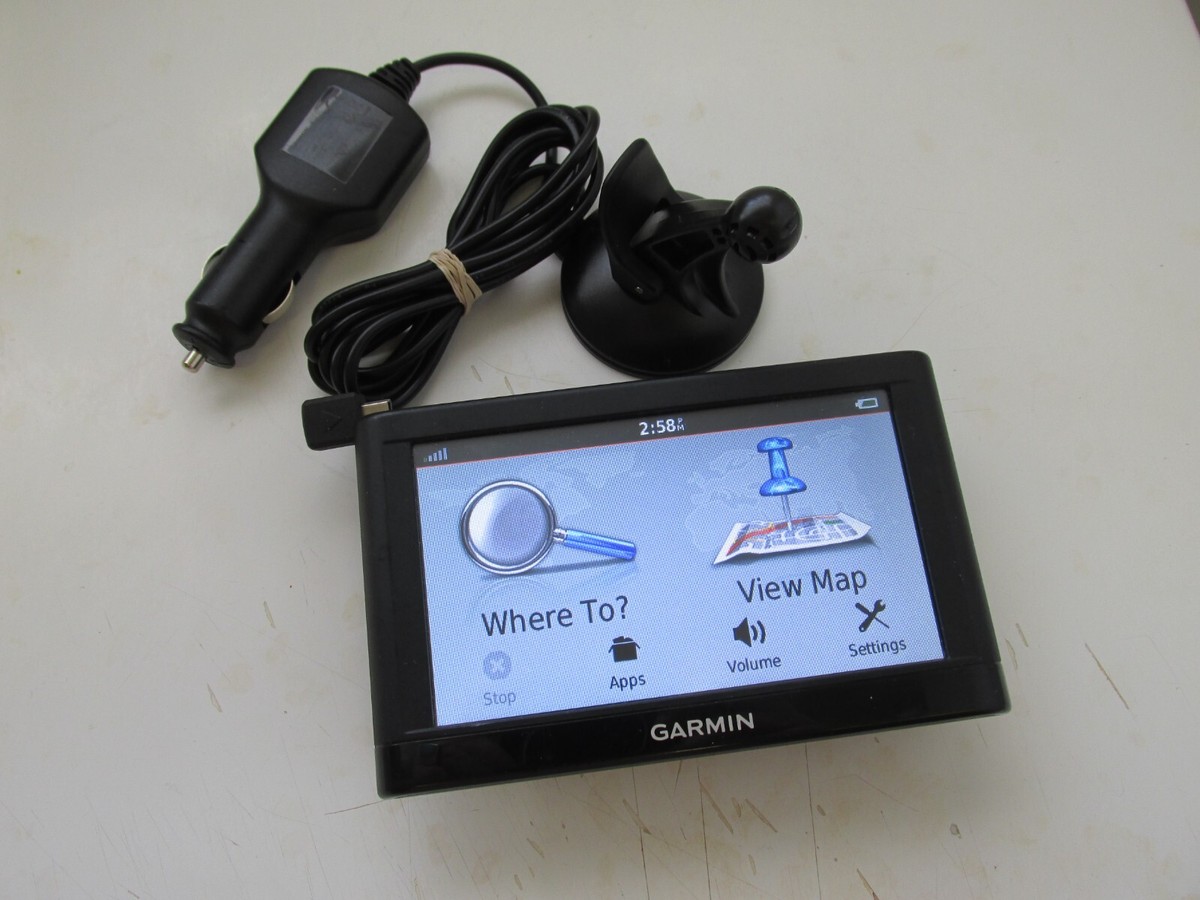
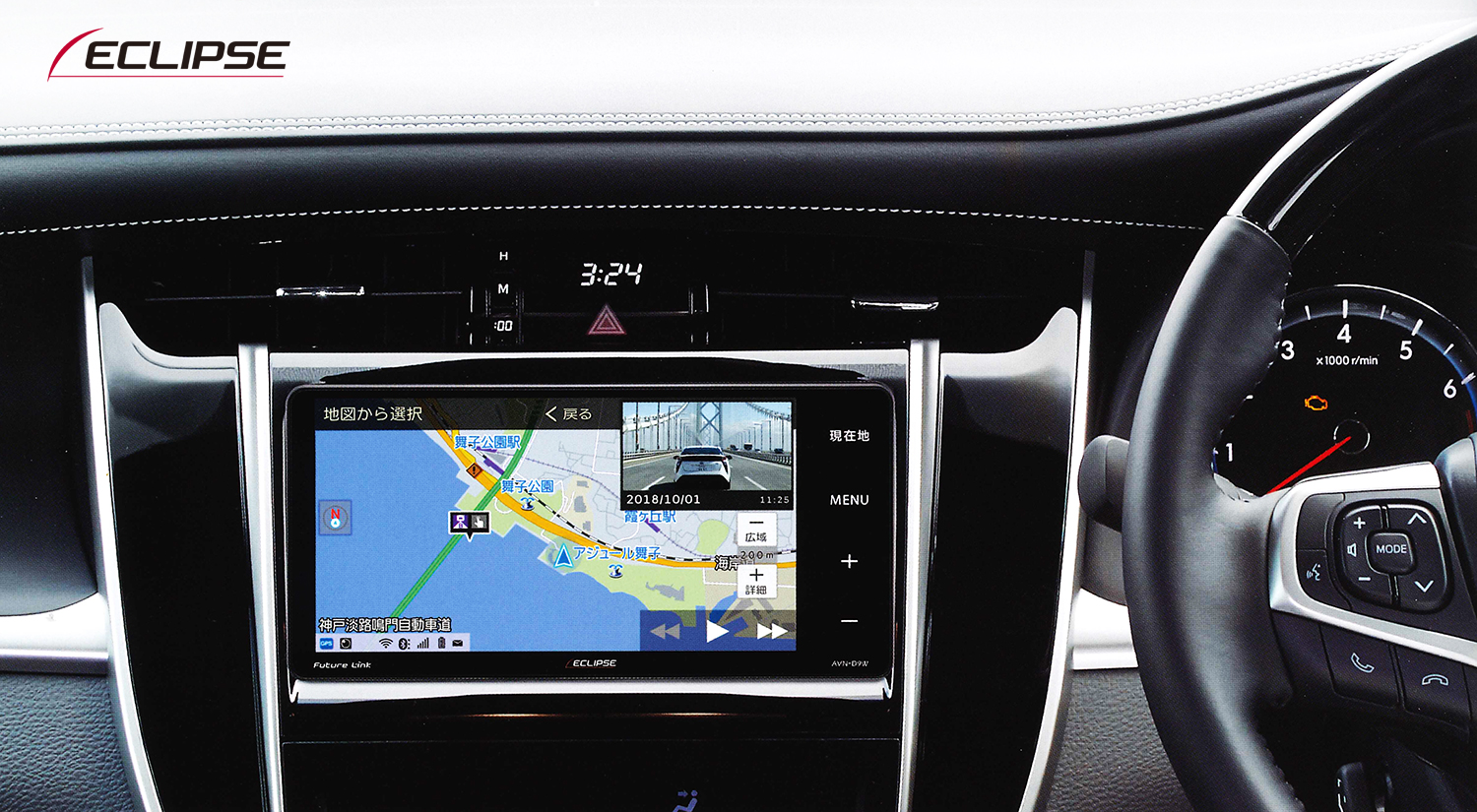
A car audio navigation system is an electronic unit installed in a vehicle’s dashboard. It typically includes a display, audio controls, and navigation software. Some systems use maps stored on the device, while others rely on a connected smartphone or an internet connection for maps and traffic information.
Features vary by vehicle and system. A basic model may provide a touchscreen, radio, Bluetooth audio, and navigation. More advanced units may include Apple CarPlay or Android Auto, satellite radio compatibility, multiple camera inputs, and support for steering-wheel controls.
Common Features to Consider
- Navigation: Look for clear maps, accurate route guidance, and simple destination entry. Offline maps can be useful in areas with limited mobile coverage.
- Smartphone integration: Apple CarPlay and Android Auto can bring compatible navigation, music, calls, and messaging apps to the vehicle’s display.
- Audio quality: Check the unit’s support for your preferred sources, such as AM/FM radio, Bluetooth, USB, satellite radio, or streaming apps.
- Hands-free calling: Bluetooth calling and voice control can help drivers manage calls without handling a phone.
- Display and controls: A readable screen, responsive controls, and an intuitive layout are important, especially when making adjustments while parked or following voice prompts on the road.
- Camera compatibility: Some systems can display a compatible backup camera or other vehicle cameras. Confirm that the unit works with the camera and vehicle wiring.
- Software and map updates: Find out how updates are provided, whether they are free or paid, and whether they require a computer, Wi-Fi, or a phone connection.
Built-In Navigation or Smartphone Navigation?
Built-in navigation can offer an integrated experience and may continue to work without a phone connection if maps are stored on the unit. However, map updates and connected traffic features depend on the system and may involve additional costs or services.
Smartphone navigation through Apple CarPlay or Android Auto can provide familiar apps and frequently updated maps. It generally requires a compatible phone and connection, and some features may use mobile data. The best option depends on driving habits, coverage, phone compatibility, and personal preference.
Choosing a System That Fits Your Vehicle
Not every in-dash unit fits every vehicle. Before buying, check the dashboard opening, mounting requirements, wiring harness, antenna connections, and compatibility with factory features. These features may include steering-wheel buttons, an original amplifier, parking sensors, a backup camera, or a vehicle information display.
Some vehicles require additional adapters or interface modules to retain factory functions. A qualified installer can help identify the parts needed and confirm whether the selected system is compatible with the vehicle’s year, make, and model.
Installation and Safe Use
Installation may involve removing dashboard trim, connecting wiring, mounting the unit, and configuring vehicle-specific features. Professional installation can be a good choice when the vehicle has complex electronics or when preserving factory functions is important. If installing the system yourself, follow the manufacturer’s instructions and disconnect the battery when directed.
Set destinations and adjust settings before driving. Use voice guidance and hands-free controls where available, and follow local laws regarding phone use and distracted driving. A navigation system is a driving aid; always pay attention to road signs, traffic conditions, and changing route conditions.
Making the Right Choice
The right car audio navigation system balances compatibility, ease of use, sound features, and navigation needs. Start by confirming that the unit fits the vehicle, then compare smartphone support, map options, audio connections, camera compatibility, and update policies. A well-matched system can bring navigation and entertainment together in a convenient dashboard setup.
5 Tips for Safer, Smarter Use of Your Car’s Audio and Navigation System
- Update maps before long trips.
- Pair your phone before driving.
- Set routes while parked.
- Keep volume low enough to hear traffic.
- Use voice commands to stay focused.
Update maps before long trips.
Update your car audio navigation system’s maps before a long trip to ensure you have the latest roads, routes, and points of interest. Recent map data can help you avoid outdated directions and make it easier to plan stops along the way. Check whether your system needs a Wi-Fi connection, a computer, or a smartphone app to install updates, and download them before you leave.
Pair your phone before driving.
Pair your phone with your car audio navigation system before driving so you can confirm the connection and set up Bluetooth, Apple CarPlay, or Android Auto while parked. This makes it easier to access calls, music, and navigation hands-free once you’re on the road. If pairing doesn’t work right away, check your device’s Bluetooth settings and the system’s instructions before starting your trip.
Set routes while parked.
Set your route before you start driving. While parked, enter your destination, review the directions, and adjust any navigation or audio settings you need. This helps you avoid distractions on the road so you can focus on driving. If your route changes, pull over safely before making updates.
Keep volume low enough to hear traffic.
Keep your car audio navigation system’s volume low enough to hear important sounds around you, including sirens, horns, and nearby traffic. Clear audio can make directions easier to follow, but staying aware of your surroundings is essential for safer driving.
Use voice commands to stay focused.
Use voice commands to stay focused while driving. A compatible car audio navigation system can let you request directions, change the music, or make a hands-free call without taking your hands off the wheel. Set up voice controls before you start your trip, speak clearly, and keep your attention on the road.