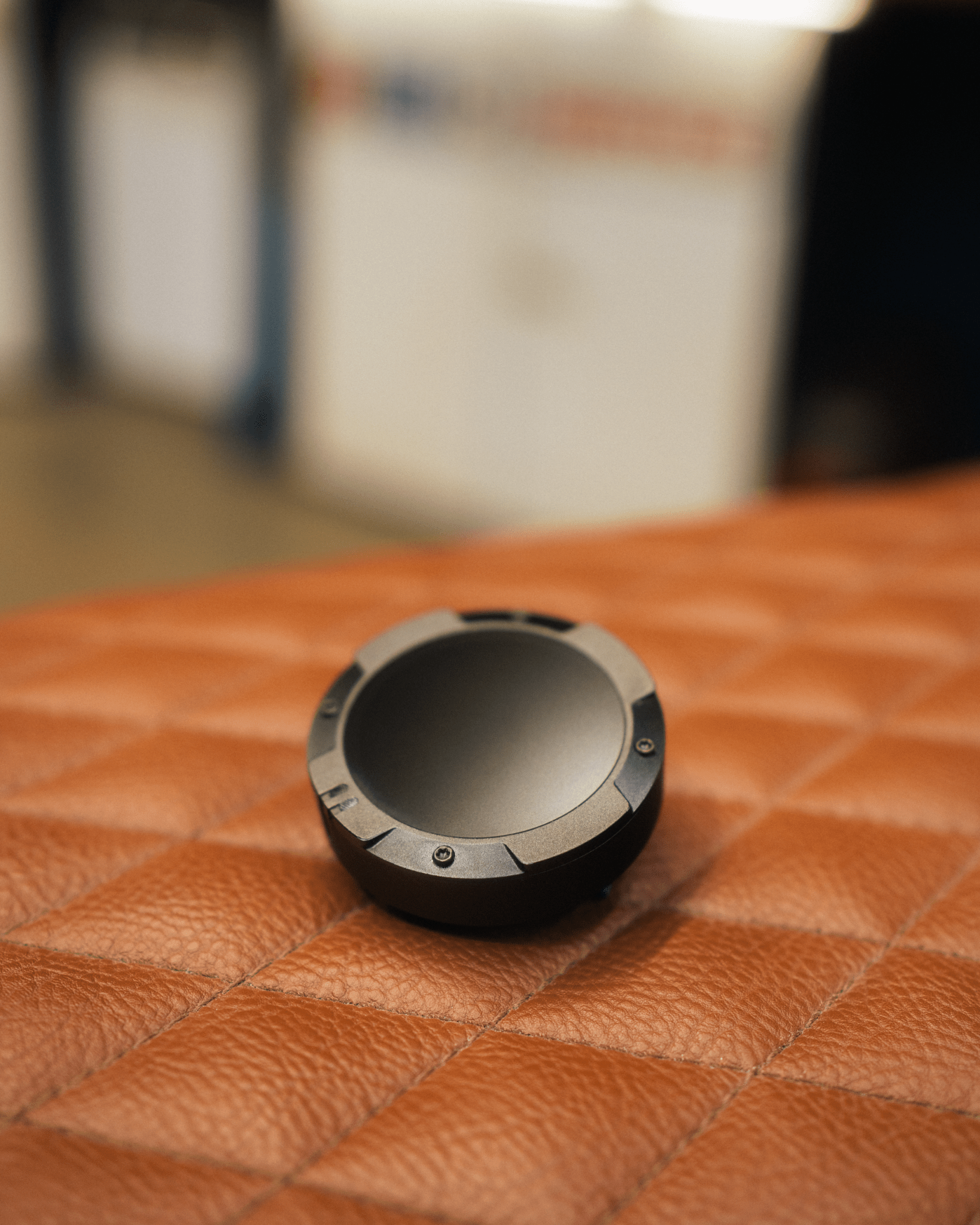
Beeline GPS: A Simple Approach to Motorcycle and Bicycle Navigation
Beeline GPS is best known for navigation products designed for riders who want clear directions without relying on a large, full-featured dashboard display. The Beeline system pairs a compact navigation device with a smartphone app, using GPS data and a simplified on-screen guide to help riders follow a route.
What Is Beeline GPS?
Beeline offers navigation tools for motorcycles and bicycles. Depending on the product, a rider can plan a trip in the Beeline app, connect a compatible device to a phone, and mount the device on a handlebar or another suitable location. The device then displays route guidance while the phone handles much of the route planning and connectivity.
Rather than showing a detailed map at every turn, Beeline’s minimalist approach typically uses directional cues to indicate where to go and how far it is to the next maneuver. This can make directions easier to glance at while riding, though the exact features vary by model and app version.
How Beeline Navigation Works
- Plan a route: Use the Beeline app to enter a destination or prepare a route. Available planning options may depend on the app and device.
- Connect your device: Pair the navigation device with a compatible smartphone, following the product instructions.
- Mount it securely: Attach the device using an appropriate mount and check that it remains visible and stable before setting off.
- Follow the guidance: The device provides simplified directions as you travel. Your phone may need to remain connected and have access to GPS and other required services.
Why Riders Choose Beeline
- Compact design: A small navigation unit can take up less handlebar space than a traditional GPS screen.
- At-a-glance directions: A simple display can help riders check the next direction without studying a detailed map.
- Smartphone-based planning: The companion app provides a familiar way to set up destinations and routes.
- Multiple riding options: Beeline has products and features aimed at different types of riders, including motorcyclists and cyclists.
- Potentially less screen distraction: Minimal guidance may reduce the temptation to focus on a map display, but riders should always keep their attention on the road.
Things to Consider Before Buying
Beeline GPS may suit riders who prefer straightforward route guidance, but it is not necessarily the right choice for everyone. Consider how much map detail you need, whether you want to plan routes on a phone, and whether the device works with your motorcycle or bicycle setup.
Also check the specific product’s compatibility, mounting options, battery and charging arrangements, water-resistance information, and app requirements. These details can differ across models and may change over time. If you often ride in areas with limited cell service, review how the device handles route guidance when your phone has no data connection; GPS location and mobile data are separate services, and offline capabilities depend on the product and app.
Beeline GPS Compared with a Traditional GPS
A traditional motorcycle GPS often emphasizes a larger map display and detailed information on screen. Beeline’s approach is generally more compact and focused on directional prompts. A full-map unit may be preferable for riders who want to see surrounding streets or make frequent route changes on the device. Beeline may appeal to riders who value a smaller setup and are comfortable using a phone app for planning.
The best option depends on your riding habits. Before a long trip, test the route-planning process, confirm the device is mounted securely, and learn how its directions work while stationary.
Ride Safely with GPS Navigation
GPS is a helpful navigation aid, not a substitute for safe riding or sound judgment. Review your route before leaving, obey road signs and traffic laws, and avoid handling your phone or device while moving. If directions seem unclear or conflict with road conditions, prioritize safety and pull over somewhere safe before checking the route.
Is Beeline GPS Right for You?
Beeline GPS is worth considering if you want a compact navigation system with simplified guidance and app-based route planning. It may be less suitable if you rely on a large, detailed map display or want every navigation feature built directly into a dedicated device. Comparing the current Beeline models and checking their specifications against your needs can help you choose the right setup.
Beeline GPS: Compact, Clutter-Free Navigation for Bicycles and Motorcycles
- Compact, minimalist design
- Clear, easy-to-follow directions
- Convenient smartphone route planning
- Fits neatly on bike handlebars
- Helps reduce screen clutter
- Suitable for motorcycle and bicycle rides
6 Beeline GPS Drawbacks to Consider Before Buying
- Limited map detail
- Relies on a smartphone
- Small display may be hard to read
- Route planning can take extra steps
- Requires secure mounting
- Features vary by model
Compact, minimalist design
Beeline GPS features a compact, minimalist design that keeps your handlebars looking clean and uncluttered. Its small display provides easy-to-glance directions without the bulk of a traditional navigation unit, making it a practical choice for riders who value a streamlined setup.
Clear, easy-to-follow directions
Beeline GPS provides clear, easy-to-follow directions that help riders stay on course without needing to study a detailed map. Its simple visual prompts make it easy to check the next turn at a glance, so you can focus more on the road and enjoy the ride.
Convenient smartphone route planning
Beeline GPS makes route planning convenient by letting riders plan their journeys on a smartphone using the companion app. A familiar screen and touch controls make it easy to enter a destination and review a route before setting off, while compatible Beeline devices provide guidance during the ride. This combination helps riders prepare their trip without relying on a bulky navigation unit.
Fits neatly on bike handlebars
Beeline GPS fits neatly on bike handlebars, adding navigation without taking up much space or creating a bulky setup. Its compact design keeps directions easy to glance at while leaving room for other accessories, helping your handlebars stay tidy and uncluttered.
Helps reduce screen clutter
Beeline GPS helps reduce screen clutter by presenting essential route guidance in a compact, easy-to-read format instead of filling your view with a detailed map and extra information. That cleaner display can make it easier to glance at directions while riding and keep your attention on the road.
Suitable for motorcycle and bicycle rides
Beeline GPS is designed for both motorcycle and bicycle rides, making it a versatile navigation option for two-wheel travelers. Its compact device and simple directional guidance can help riders follow a route without taking up much handlebar space, whether they’re commuting across town or exploring new roads and trails.
Limited map detail
One potential drawback of Beeline GPS is its limited map detail. Its simplified display is designed to make directions easy to glance at while riding, but it may not show the surrounding streets, landmarks, or route options as clearly as a traditional GPS map. This can make it harder to understand where you are or adjust your route on the go, so riders who prefer detailed visual guidance may find the minimalist approach less convenient.
Relies on a smartphone
One drawback of Beeline GPS is that it relies on a smartphone for many navigation features, so riders need to keep their phone charged, connected, and compatible with the device. If the phone battery dies, the connection drops, or the app has a problem, navigation may be interrupted. This dependence can be inconvenient on long trips or in areas where phone service is limited, so it’s worth checking the device’s offline capabilities and planning a backup route before setting out.
Small display may be hard to read
One potential drawback of Beeline GPS is its small display, which may be difficult to read at a quick glance, especially in bright sunlight or while wearing certain helmets. Riders who prefer detailed maps, larger text, or more on-screen information may find the compact screen challenging. Checking the display before a ride and choosing a clear, well-positioned mount can help, but it may not be the best fit for everyone.
Route planning can take extra steps
One potential drawback of Beeline GPS is that planning a route can take a few extra steps. Instead of entering a destination directly on a large navigation screen, riders may need to use the companion app, adjust route preferences, and then connect or sync the device before setting off. This process can feel less convenient when making a quick trip or changing plans on the road, so it’s helpful to prepare the route before you start riding.
Requires secure mounting
Beeline GPS requires a secure mount to stay visible and stable while you ride. A loose or poorly positioned device can shift, become difficult to read, or fall off, so take time to install the mount correctly and check that it’s firmly attached before each trip.
Features vary by model
One drawback of Beeline GPS is that features can vary by model, so capabilities available on one device may not be included on another. Differences in navigation options, display functions, connectivity, or battery setup can make it harder to know which product best fits your needs. Before buying, compare the specifications of the exact model you’re considering and confirm that it supports the features you plan to use.