Current Traffic Conditions Near Me: How to Check Before You Go
Traffic conditions can change in minutes. A clear road at the start of your trip may become congested because of a crash, construction, bad weather, or a special event. Checking current traffic near you before leaving—and along the way—can help you choose a better route and plan for delays.
Traffic information depends on your location and the time you check. Use a navigation app, local transportation agency, or traffic service for up-to-date conditions in your area.
How to Check Traffic Near You
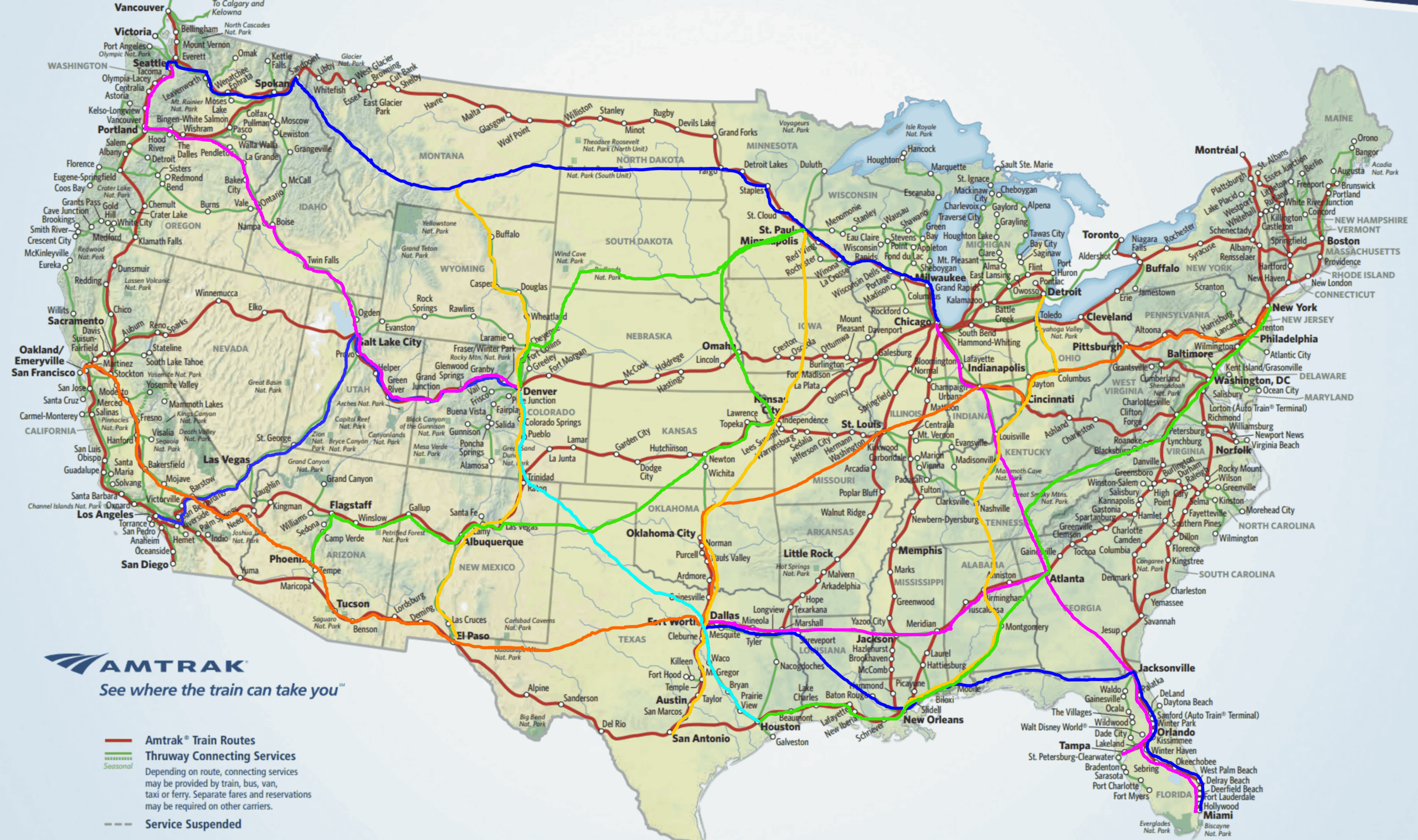
For the most useful local results, enable location services on your phone or enter a starting point and destination in a mapping or navigation app. Look for traffic colors, estimated travel times, incident reports, and alternate routes. Red or dark-colored lines typically indicate slower traffic, while green usually represents smoother flow, though map colors can vary by service.
You can also check:
- State and local transportation websites: Many agencies publish road closures, construction notices, traffic cameras, and incident updates.
- 511 services: In many U.S. states, dialing 511 or visiting a state 511 website provides road and travel information.
- Local news and weather sources: These can offer updates about major crashes, severe weather, and event-related congestion.
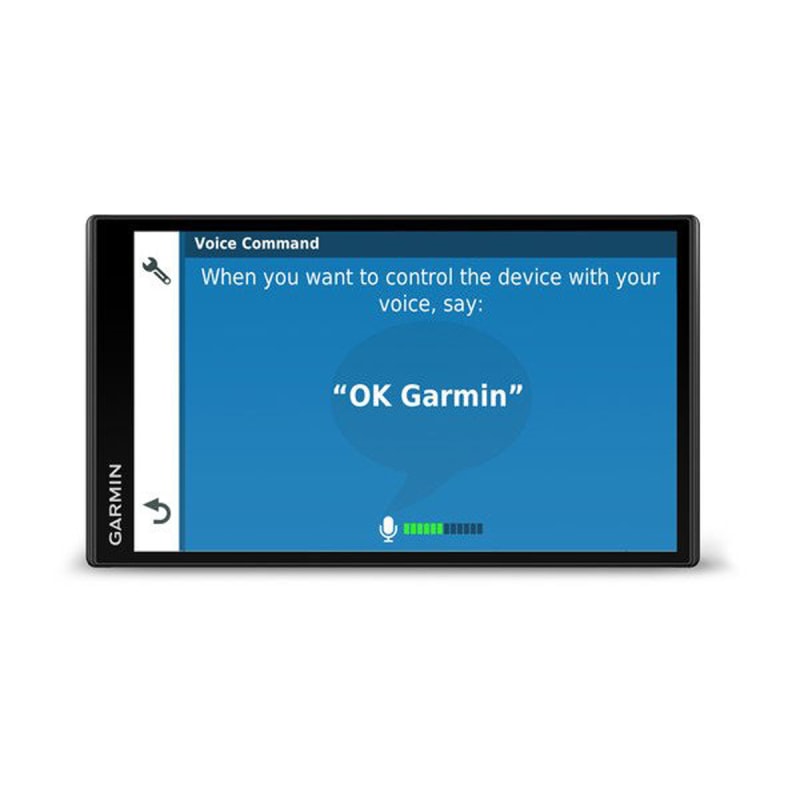
- Navigation systems: Some GPS devices and apps use traffic data to estimate delays and suggest alternate routes.
What Can Affect Current Traffic?
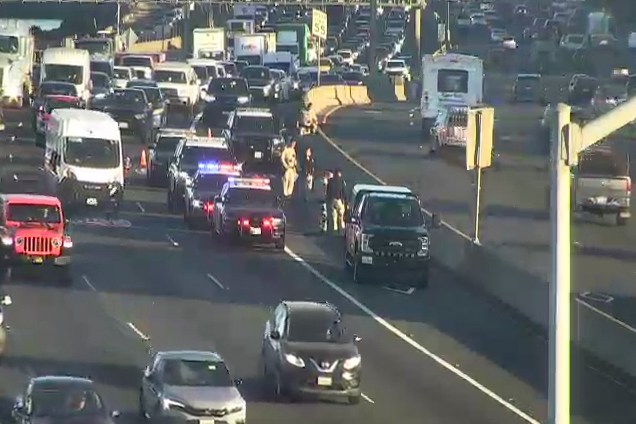
Several factors can affect travel times near you. Rush-hour commuting often causes predictable slowdowns on major roads. Crashes, disabled vehicles, lane closures, roadwork, and detours can create sudden delays. Heavy rain, snow, ice, fog, or flooding may also reduce speeds or make certain roads unsafe. Concerts, sporting events, festivals, and holiday travel can add congestion around specific neighborhoods and highways.
Tips for Planning Around Traffic
- Check conditions shortly before you leave, then review them again if your trip is long.
- Compare estimated travel times for more than one route, including surface streets and highways.
- Allow extra time when traveling during rush hour, in poor weather, or near large events.
- Follow official closure and detour signs, even if a navigation app suggests another route.
- Set your destination before driving and use hands-free voice directions when available.
- Never check or change a route while driving. Pull over safely first, or ask a passenger to help.
Why Traffic Estimates May Differ
Traffic services may use different data sources, update at different intervals, or calculate routes in different ways. A reported delay may change quickly as vehicles move or an incident is cleared. Treat estimated arrival times as a guide, and check official local alerts for information about closures, hazards, or emergency conditions.
Make Your Trip Safer and More Predictable
Checking current traffic conditions near you can help you make informed travel plans, but road conditions can change at any time. Review reliable local updates, leave extra time when needed, and stay focused on driving. For the most accurate result, search using your current location and intended destination in a traffic or navigation service.
9 Tips for Checking Local Traffic and Driving Safely
- Check a live traffic map for nearby delays.
- Allow extra time if roads look congested.
- Watch for sudden slowdowns near intersections.
- Use navigation to find a faster route.
- Check for crashes or road closures before leaving.
- Avoid distracted driving while traffic is heavy.
- Leave extra space in stop-and-go traffic.
- Follow posted signs around work zones.
- Recheck traffic before you head back.
Check a live traffic map for nearby delays.
Check a live traffic map before you leave to spot nearby delays, crashes, roadwork, or closures. Seeing slowdowns along your route can help you compare alternate roads and estimate your travel time more accurately. Because conditions can change quickly, check the map again before setting off, and never use your phone while driving.
Allow extra time if roads look congested.
If roads look congested, allow extra time to reach your destination. Traffic can slow down unexpectedly because of accidents, construction, weather, or heavy commute times, so a little extra time can help reduce stress and keep you from feeling rushed. Check for updates before you leave, and choose a safe alternate route if needed.
Watch for sudden slowdowns near intersections.
Watch for sudden slowdowns near intersections, where turning vehicles, traffic signals, pedestrians, and cross traffic can cause speeds to change quickly. Leave plenty of space between your vehicle and the one ahead, approach cautiously, and be prepared to brake—especially when visibility is limited or traffic is heavy.
Use navigation to find a faster route.
Use a navigation app or GPS device to check current traffic and find a faster route to your destination. It can alert you to congestion, crashes, or road closures and suggest alternatives based on changing conditions. Set your destination before you start driving, and follow posted signs and road rules if they differ from the suggested route.
Check for crashes or road closures before leaving.
Before you leave, check for crashes or road closures along your route. A quick look at a navigation app or local transportation updates can alert you to delays and detours, giving you time to choose another route or adjust your departure. Road conditions can change quickly, so check for updates again before starting your trip.
Avoid distracted driving while traffic is heavy.
When traffic is heavy, stay focused on the road and avoid distractions such as checking your phone, changing navigation settings, or reaching for items. Set your route before you start driving, use hands-free directions when available, and leave enough space between your vehicle and the one ahead. If you need to check traffic or adjust your route, pull over somewhere safe first.
Leave extra space in stop-and-go traffic.
Leave extra space in stop-and-go traffic to give yourself more time to react if the vehicle ahead stops suddenly. Avoid tailgating, and leave enough room to brake smoothly without abrupt moves. Keeping a safe following distance can help reduce the risk of a rear-end collision and make congested driving less stressful.
Follow posted signs around work zones.
Always follow posted signs when driving through a work zone. Signs alert you to lane closures, reduced speed limits, detours, and workers or equipment near the road. Slow down, leave extra space between your vehicle and the one ahead, and follow directions from flaggers. Even if a navigation app suggests another route, obey the signs and instructions on-site to help keep everyone safe.
Recheck traffic before you head back.
Recheck traffic before you head back, since conditions may have changed while you were away. A crash, roadwork, weather, or rush-hour congestion could affect your return route, so check a reliable traffic or navigation service before leaving and allow extra time if needed.