Nav GPS: A Practical Guide to GPS Navigation
Nav GPS refers to navigation systems that use Global Positioning System (GPS) signals to help people find their location and travel to a destination. These tools are available in smartphones, cars, handheld devices, and dedicated navigation units. With turn-by-turn directions and route information, GPS navigation can make everyday trips and long-distance travel easier to plan.
How GPS Navigation Works
GPS devices receive signals from satellites orbiting Earth. By comparing signals from multiple satellites, a device can estimate its location. Navigation software then combines that position with digital maps to calculate a route and provide directions.
Many systems also use additional information, such as road restrictions, speed limits, and live traffic data. Depending on the device and service, this information may help suggest a faster route or alert drivers to delays.
Common Features
- Turn-by-turn directions: Spoken and on-screen prompts guide travelers along a route.
- Route planning: Users can enter a destination and compare available routes.
- Traffic updates: Connected systems may report congestion, road closures, or incidents.
- Points of interest: Search tools can help locate gas stations, restaurants, parking, and other places.
- Offline maps: Some devices allow maps to be downloaded for use where mobile service is limited.
- Lane guidance: Visual prompts can help drivers prepare for exits and complex turns.
Choosing a GPS Navigation Option
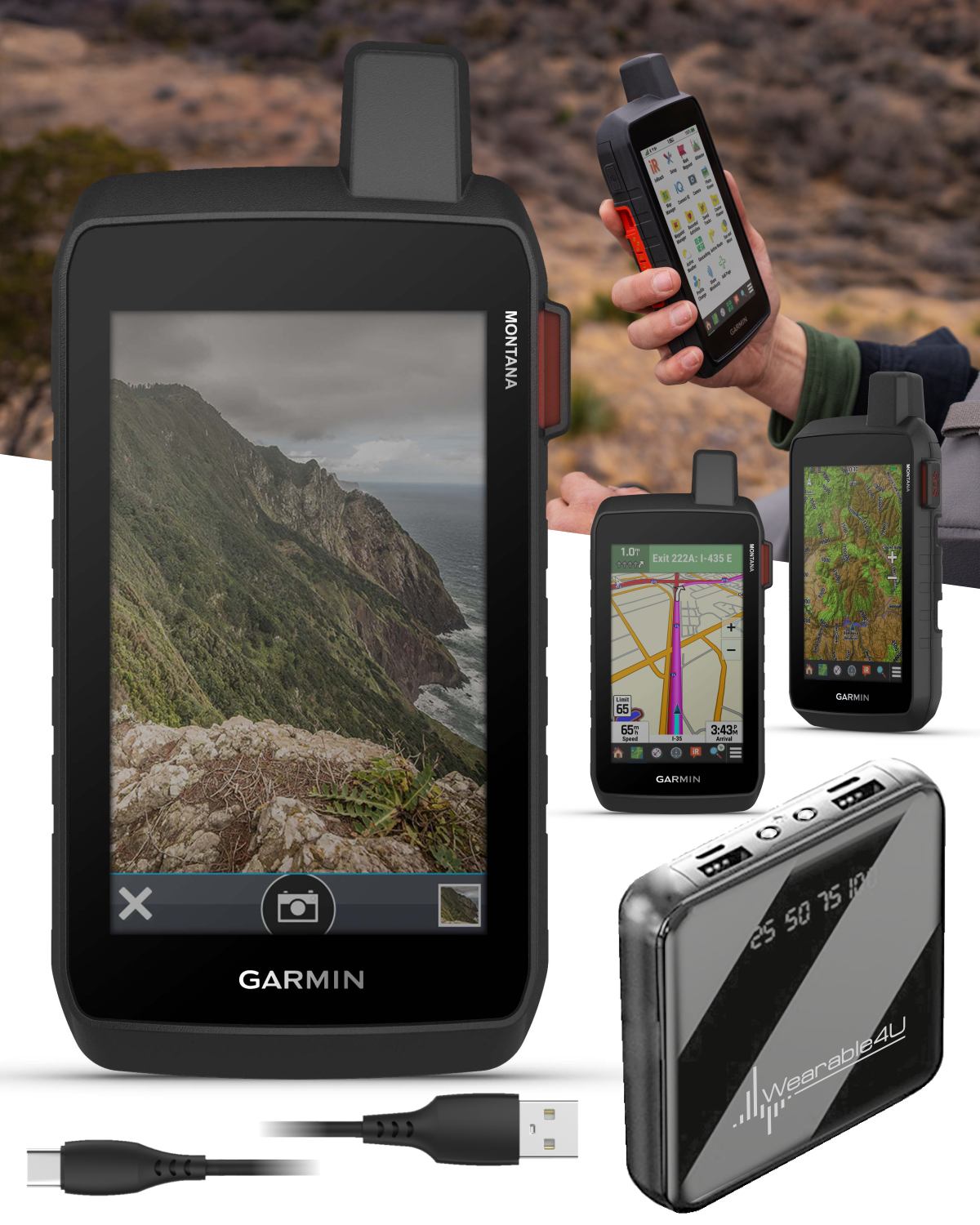
The right nav GPS solution depends on how and where it will be used. A smartphone app may be convenient for occasional trips, while a dedicated GPS device can be useful for frequent driving or travel in areas with unreliable cellular coverage. Hikers and boaters may need a specialized device designed for outdoor conditions and detailed terrain or water maps.
Before choosing a system, consider map coverage, update options, screen readability, battery life, mounting choices, and whether a subscription is required for features such as live traffic. It is also worth checking whether the device supports offline navigation in the places you visit most often.
Tips for Using GPS Safely
Enter your destination before starting to drive, and mount the device where it does not block your view of the road. Follow traffic laws and use your own judgment if directions appear unsafe or outdated. GPS maps can contain errors, and road conditions may change after a route is calculated. Drivers should avoid handling a device while moving and should pull over safely before making adjustments.
The Value of Reliable Navigation
GPS navigation can reduce uncertainty, simplify route planning, and help travelers discover useful places along the way. Whether built into a vehicle, carried as a standalone device, or accessed through a phone, a dependable nav GPS system is most effective when its maps are current and it is used with attention to real-world road conditions.
9 Benefits of GPS Navigation for Easier, Smarter Travel
- Provides turn-by-turn directions
- Helps find the fastest route
- Offers real-time traffic updates
- Makes unfamiliar areas easier to navigate
- Can locate nearby gas stations and services
- Supports route planning before trips
- Many options work offline
- Helps estimate arrival times
- Available on phones and dedicated devices
GPS Navigation Drawbacks: Unreliable Signals, Outdated Maps, and Internet-Dependent Traffic Updates
- GPS signals can be unreliable indoors or in remote areas.
- Maps may be outdated or contain errors.
- Live traffic features may require internet access.
Provides turn-by-turn directions
Nav GPS provides turn-by-turn directions that guide you through each step of your route, from the first turn to your destination. Clear visual prompts and spoken instructions can make unfamiliar roads easier to navigate, help you prepare for upcoming turns, and reduce the need to stop and check a map.
Helps find the fastest route
Nav GPS can help you find the fastest route by using your current location, destination, and available road information to compare different ways to travel. Systems with live traffic updates may also account for congestion, accidents, or road closures and suggest an alternate route when conditions change. This can save time and make it easier to reach your destination efficiently.
Offers real-time traffic updates
Nav GPS offers real-time traffic updates to help drivers respond to changing road conditions. By highlighting congestion, accidents, and closures, it can recommend alternate routes and help travelers make more informed decisions while on the road. These updates can make trips smoother and help drivers avoid delays, though actual travel times may still vary.
Makes unfamiliar areas easier to navigate
Nav GPS makes unfamiliar areas easier to navigate by providing clear, turn-by-turn directions and showing your location on a map. Instead of stopping to check paper directions or guess which street to take, you can follow a planned route and receive prompts as you travel. Many systems can also help you find nearby gas stations, restaurants, and other useful places, making new destinations feel less daunting.
Can locate nearby gas stations and services
One helpful advantage of Nav GPS is its ability to locate nearby gas stations and services while you’re on the road. Whether you need fuel, a place to eat, parking, or a repair shop, nearby search features can help you find useful stops along your route. This makes travel more convenient, especially in unfamiliar areas or during long trips.
Supports route planning before trips
Nav GPS makes it easy to plan a route before a trip begins. Enter your destination in advance to review possible routes, estimate travel time, and identify useful stops along the way. Planning ahead can help you prepare for long drives, avoid unnecessary detours, and start your journey with greater confidence.
Many options work offline
One major advantage of GPS navigation is that many options work offline. By downloading maps in advance, travelers can get directions and view routes even in areas with weak cell service or no internet connection. Offline navigation is especially useful on road trips, in rural areas, and when traveling abroad, where data coverage may be limited or expensive.
Helps estimate arrival times
Nav GPS can help estimate arrival times by combining your current location, route distance, and expected travel speed. Some systems also factor in live traffic, road closures, and other delays, updating the estimate as conditions change. This makes it easier to plan departures, coordinate pickups, and let others know when to expect you.
Available on phones and dedicated devices
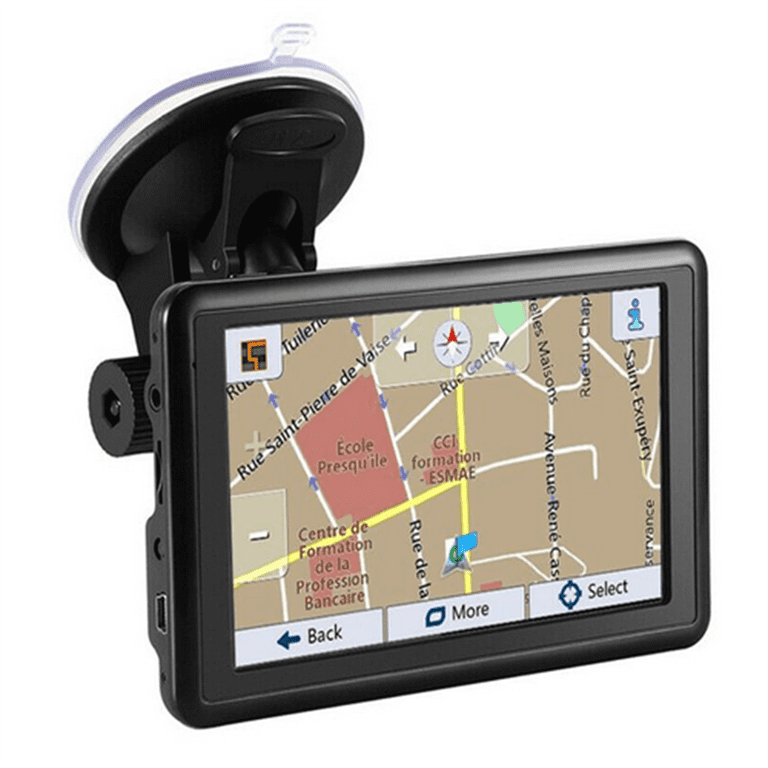
One major advantage of GPS navigation is its availability on both smartphones and dedicated devices. Phone apps offer convenient navigation in a device many people already carry, while standalone GPS units provide a focused option with features such as larger screens, vehicle-specific mounts, or offline maps. This range of choices makes it easier for travelers to select a navigation tool that suits their needs, budget, and preferred way of getting around.
GPS signals can be unreliable indoors or in remote areas.
One drawback of GPS navigation is that its signals can be unreliable indoors or in remote areas. Buildings, tunnels, dense tree cover, and mountains can weaken or block satellite signals, making it harder for a device to determine your exact location. In places far from cellular networks, connected features such as live traffic updates may also be unavailable. Downloading offline maps and planning your route ahead of time can help reduce these disruptions.
Maps may be outdated or contain errors.
One drawback of nav GPS systems is that their maps may be outdated or contain errors. New roads, construction zones, closures, and traffic changes may not appear right away, which can lead to confusing directions or inefficient routes. To reduce the risk, update maps regularly and pay attention to road signs and current conditions rather than relying on GPS directions alone.
Live traffic features may require internet access.
One drawback of live traffic features in GPS navigation is that they may require an internet connection. Without mobile data or Wi-Fi, the system might not receive current information about congestion, accidents, or road closures, so its suggested routes may not reflect conditions on the road. This can be inconvenient when traveling through areas with weak or no signal.