GPS Maps for Your Car: A Practical Guide
GPS maps help drivers find destinations, plan routes, and navigate unfamiliar roads. Whether built into a vehicle or used through a phone or portable navigation device, a car GPS map can make everyday trips easier and help drivers prepare for longer journeys.
How Car GPS Maps Work
A GPS device uses signals from satellites to estimate its location. It compares that position with digital map data to show where the vehicle is and which roads are nearby. When a destination is entered, the navigation system calculates a route and provides directions, often with spoken guidance and upcoming-turn information.
GPS positioning and map data are separate. A device may determine its location using satellite signals, while the map itself is stored on the device or accessed through an internet connection. This distinction matters when choosing a system for areas with weak mobile service.
Types of GPS Maps for Cars
- Built-in navigation: Installed in the vehicle and displayed on the dashboard screen. Map updates and features vary by automaker and model.
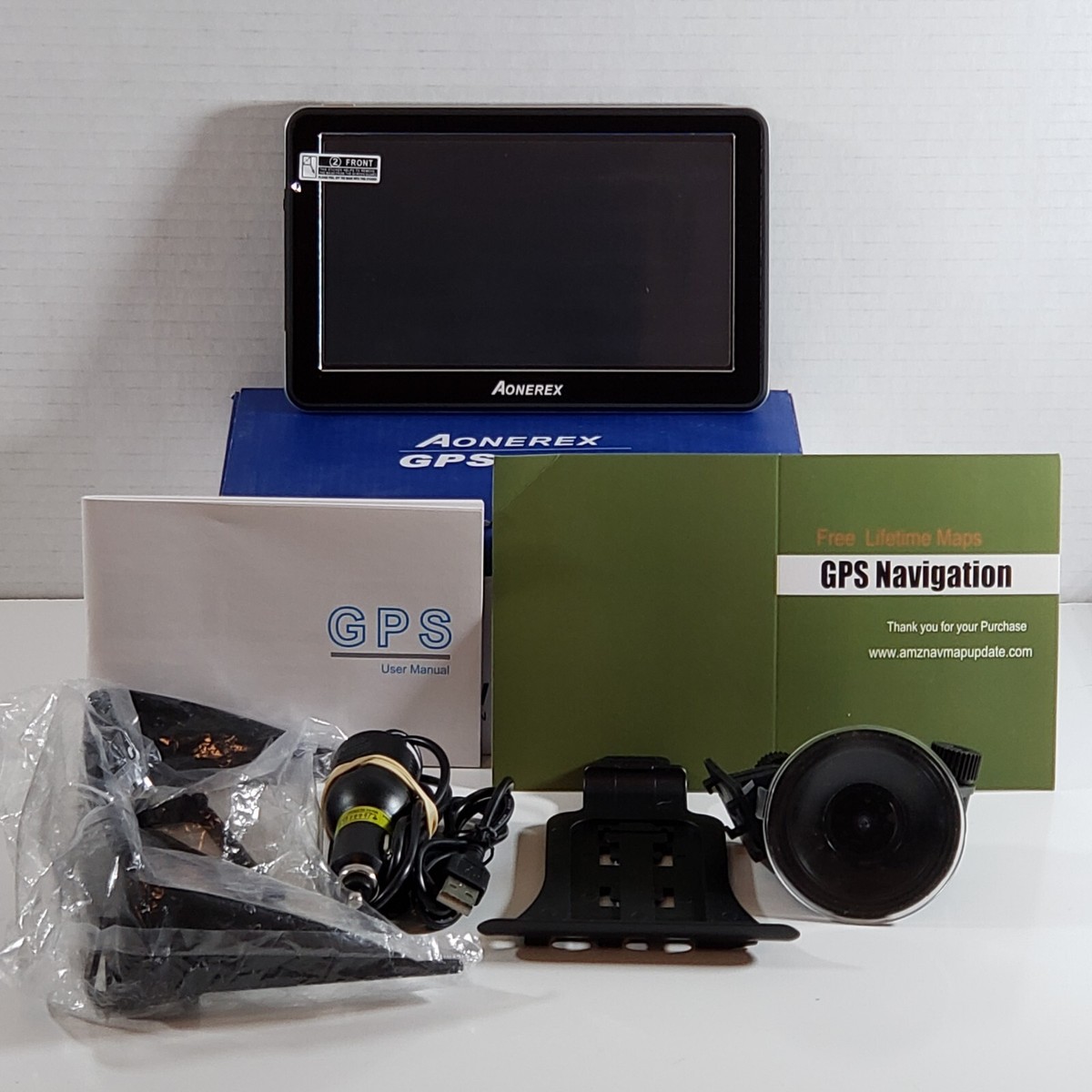
- Portable GPS devices: Standalone units that mount in the car and typically use maps stored on the device. Many models can be moved between vehicles.
- Smartphone navigation apps: Convenient apps that use a phone’s GPS and may provide live traffic information. Some allow maps to be downloaded for offline use.
Each option has different costs, update methods, screen sizes, and connectivity needs. The right choice depends on how often you drive, where you travel, and which features matter most.
Why Map Updates Matter
Road networks change over time. New streets open, intersections are redesigned, and businesses or points of interest move or close. Updated GPS maps can help reflect these changes, improving route guidance and search results.
Before updating, check the device or vehicle manufacturer’s instructions. Updates may be available through a companion app, a computer download, a memory card, or a connected service. Some systems include updates for a limited period, while others may require a purchase or subscription.
What to Look for in a Car GPS Map
- Coverage: Confirm that the maps include the states, regions, or countries where you plan to drive.
- Offline access: Downloadable or locally stored maps can be useful when cellular coverage is limited.
- Traffic information: Live traffic features may help identify delays and suggest alternate routes, but often require an internet connection.
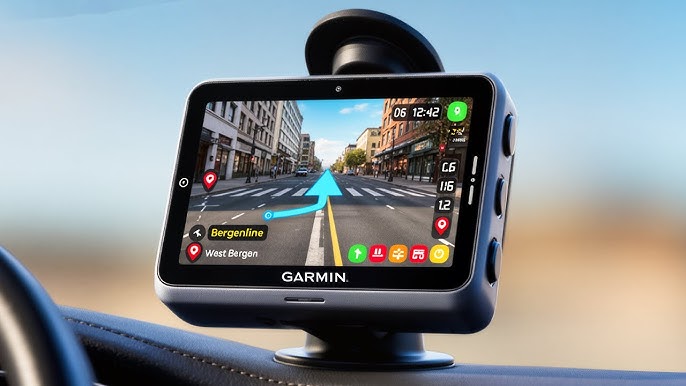
- Clear directions: Helpful systems provide readable maps, timely voice prompts, and clear lane or turn guidance.
- Search tools: Look for practical options for finding addresses, businesses, fuel, parking, and other points of interest.
- Ease of updating: A straightforward update process makes it easier to keep maps current.
- Vehicle-specific routing: Drivers of larger vehicles should check whether the system supports relevant restrictions, such as height or weight limits.
Tips for Using GPS Maps Safely
Set a destination before starting to drive, and mount or position the screen where it does not block the driver’s view. Follow road signs and traffic laws, even if a navigation prompt appears to conflict with them. GPS maps can contain outdated or incomplete information, so use judgment—especially around road closures, construction, and restricted roads.
For longer trips, review the route in advance and consider downloading maps if the system supports offline navigation. Keeping a phone or navigation device charged can also help prevent interruptions. Drivers should avoid handling a device while the vehicle is moving; pull over safely before changing settings or entering a new destination.
Choosing the Right GPS Maps for Your Car
The best car GPS map is one that fits your driving habits and remains useful where you travel. Compare coverage, update policies, offline availability, traffic features, and ease of use before choosing a system. With current maps and safe driving practices, GPS navigation can make trips more organized and help drivers feel better prepared on the road.
Everything You Need to Know About GPS Maps for Cars: FAQs Answered
- How do GPS maps for cars work?
- How often should I update my car’s GPS maps?
- Can I use GPS maps in my car without an internet connection?
- How do I download or install GPS maps for my car?
- Are GPS maps for cars free, or do they require a subscription?
- Can GPS maps show live traffic and suggest alternate routes?
How do GPS maps for cars work?
GPS maps for cars combine satellite positioning with digital road maps to show your vehicle’s location and guide you to a destination. The GPS receiver picks up signals from multiple satellites to estimate where the car is, while the navigation system matches that position to roads on its map and calculates a route. It then provides visual or spoken directions as you travel. Some systems also use an internet connection to deliver features such as live traffic updates, while maps stored on the device can support navigation when cellular service is unavailable.
How often should I update my car’s GPS maps?
You should update your car’s GPS maps whenever the vehicle or navigation-system manufacturer releases an update—often once or twice a year, though schedules vary by brand and system. Regular updates can reflect new roads, changed intersections, closures, and updated points of interest. Check your owner’s manual or the manufacturer’s website or app for the recommended update schedule, and install updates before a trip if you’ll be driving in an unfamiliar area.
Can I use GPS maps in my car without an internet connection?
Yes, you can use GPS maps in your car without an internet connection if your navigation system or app has maps saved on the device. Built-in navigation systems and many portable GPS units store map data locally, while some smartphone apps let you download maps for offline use. GPS satellite signals can still show your location without mobile data, but features such as live traffic, online searches, and real-time route updates may not be available. Check that your maps are downloaded and up to date before you travel.
How do I download or install GPS maps for my car?
To download or install GPS maps for your car, first check your vehicle’s owner’s manual or the navigation system’s settings for the manufacturer’s update instructions. Depending on the system, you may download maps through a companion app or website, install them using a USB drive or SD card, or receive them through a connected service. Use the correct maps for your vehicle and follow the on-screen steps, keeping the system powered during installation. If you use a phone app or portable GPS device, download maps through its official app or update tool; choose offline maps if you need navigation without cellular service.
Are GPS maps for cars free, or do they require a subscription?
GPS maps for cars can be free or require a one-time purchase or subscription, depending on the device and service. Many smartphone navigation apps offer free maps and basic directions, while live traffic, premium features, or connected services may require a subscription. Built-in vehicle navigation and portable GPS devices may include map updates for a limited time, charge for updates, or offer them through a paid plan. Check the provider’s terms to see what’s included and whether maps can be used offline.
Can GPS maps show live traffic and suggest alternate routes?
Yes, many GPS maps can show live traffic conditions and suggest alternate routes when delays occur. These features typically rely on real-time data from internet-connected devices, traffic services, or vehicle sensors, so availability and accuracy may vary by system and location. Check that traffic updates are enabled, and always follow road signs and local traffic rules when choosing an alternate route.