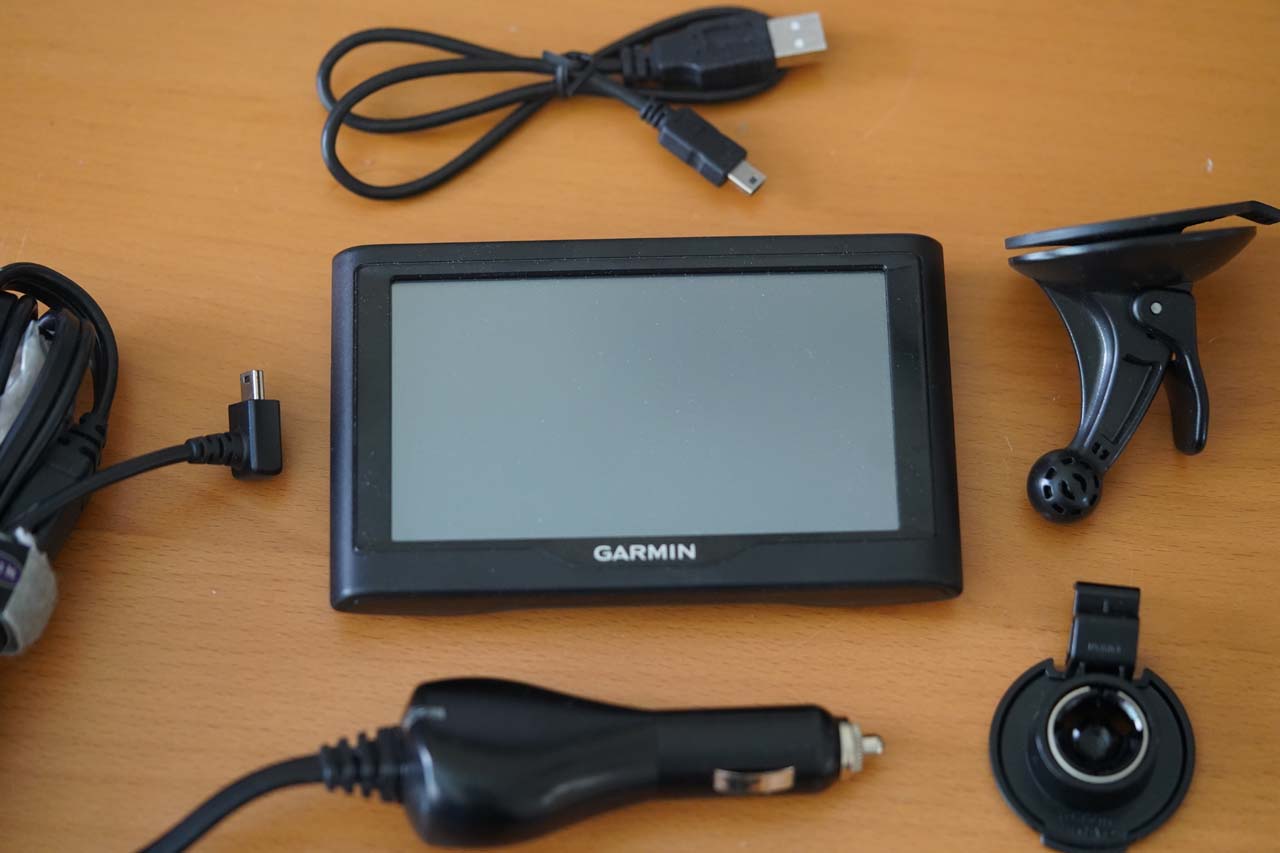
GPS Portable Navigation Devices: A Practical Guide
A GPS portable navigation device can make driving in unfamiliar places easier. Designed to provide turn-by-turn directions, these standalone units use satellite signals to estimate a vehicle’s location and guide drivers along a selected route. Many models also offer features such as spoken directions, live traffic information, and alerts for upcoming turns.
How a Portable GPS Works
A portable GPS receiver calculates its position using signals from satellites. It then compares that position with digital map data stored on the device or accessed through a connected service. The device uses your destination and route preferences to provide directions as you travel.
GPS reception does not usually require a cellular connection. However, features such as real-time traffic, online searches, or connected services may require internet access, a paired smartphone, or a compatible subscription. Availability varies by model and location.
Benefits of Using a Dedicated Navigation Device
- Clear, focused directions: A dedicated screen and spoken prompts can make it easier to follow a route without navigating through other phone apps.
- Offline navigation: Devices with stored maps can continue providing directions in areas with limited or no cellular coverage.
- Convenient mounting: Portable units are designed to attach to a vehicle mount and can often be moved between vehicles.
- Driving-specific features: Depending on the model, features may include lane guidance, speed-limit displays, route preferences, and points of interest.
- Preserved phone battery: Using a separate device can reduce the amount of navigation time spent on a smartphone.
Features to Consider
Before choosing a portable GPS, consider how and where it will be used. A larger screen may be easier to read, while a compact design may be more convenient to store. Check whether the device includes maps for the regions you visit and how map updates are provided.
Other useful features may include:
- Live traffic: Can help identify congestion and suggest alternate routes when a compatible connection is available.
- Voice guidance: Spoken instructions allow drivers to keep their attention on the road.
- Lane guidance: Shows which lane to use when approaching complex exits or intersections.
- Points of interest: Helps locate services such as gas stations, restaurants, and parking areas.
- Route customization: May allow drivers to avoid toll roads, highways, ferries, or other route types.
- Battery and power options: Many units are powered through a vehicle outlet; some also include an internal battery for short periods of use away from the vehicle.
Portable GPS vs. Smartphone Navigation
Smartphones are convenient because navigation apps are readily available and can provide connected information. A portable GPS device, by contrast, offers a dedicated navigation screen and may store maps for offline use. The right choice depends on personal preference, travel habits, connectivity, and the features needed.
Some drivers use both: a portable GPS for primary directions and a smartphone for communication or supplemental information. Regardless of the device, routes and conditions can change, so follow posted signs and local traffic laws.
Tips for Safe and Reliable Use
- Mount the device where it is easy to see but does not block the windshield or your view of the road.
- Enter your destination and review the route before starting to drive.
- Keep maps and software updated according to the manufacturer’s instructions.
- Use voice prompts when possible, and avoid handling the device while driving.
- Remember that map data may not reflect recent road changes, closures, or temporary restrictions.
Choosing the Right Device
The best GPS portable navigation device is one that suits your vehicle, travel patterns, and budget. Compare screen size, map coverage, update options, traffic services, mounting accessories, and ease of use. A little research before purchase can help you find a device that makes everyday trips and longer journeys more straightforward.
5 Essential Tips for Using Your GPS Portable Navigation Device
- Update maps before your trip.
- Mount the device where it’s easy to see.
- Enter destinations while parked.
- Keep it charged or plugged in.
- Follow road signs if directions seem outdated.
Update maps before your trip.
Update your GPS portable navigation device’s maps before you leave, especially if you’re traveling to an unfamiliar area. Current maps can include newer roads, changed intersections, and updated points of interest, helping your device plan a more accurate route. Check for updates over a reliable internet connection and allow enough time to install them before starting your trip.
Mount the device where it’s easy to see.
Mount your portable GPS where it’s easy to glance at without taking your eyes off the road for long. Keep it within your natural line of sight, but make sure it doesn’t block your view through the windshield or obscure important controls. Set the mount and enter your destination before driving, and avoid adjusting the device while the vehicle is moving.
Enter destinations while parked.
Enter your destination while parked, before you begin driving. Setting your route in advance helps you avoid distractions and keeps your attention on the road. Take a moment to review the route, confirm the address, and adjust any preferences—such as avoiding toll roads—before pulling away.
Keep it charged or plugged in.
Keep your portable GPS navigation device charged or plugged into your vehicle’s power outlet so it stays on throughout your trip. A low battery could interrupt directions at an inconvenient time, especially on longer drives or when you’re traveling in an unfamiliar area. Before leaving, check the battery level, bring the correct charging cable, and make sure the power connection is secure.
Follow road signs if directions seem outdated.
If your GPS portable navigation device gives directions that seem outdated or conflict with current conditions, follow posted road signs and obey local traffic laws. Construction, closures, and other changes may not appear on the device’s maps right away. When it’s safe, pull over to review the route or let the device recalculate—never handle it while driving.