Garmin Car Navigation: A Guide to Choosing and Using a GPS Navigator
Garmin car navigation devices help drivers plan routes, follow turn-by-turn directions, and find destinations without relying solely on a smartphone. Depending on the model, a Garmin GPS navigator may also offer features such as live traffic information, driver alerts, voice commands, and detailed maps. The right device can make everyday trips easier and help with longer journeys in unfamiliar areas.
What Is Garmin Car Navigation?
A Garmin car navigator is a dedicated GPS device designed for use in a vehicle. It determines your location using satellite signals and displays your route on a screen. After you enter an address, business, or point of interest, the device provides directions and updates them as you travel.
Unlike phone navigation, a dedicated GPS unit does not need to occupy your phone or rely on a cellular data connection for basic positioning and navigation. Map coverage and connected features vary by model, so check the device specifications before purchasing.
Common Features
- Turn-by-turn directions: On-screen prompts and spoken guidance help you follow your route.
- Points of interest: Search for places such as gas stations, restaurants, parking areas, and hotels.
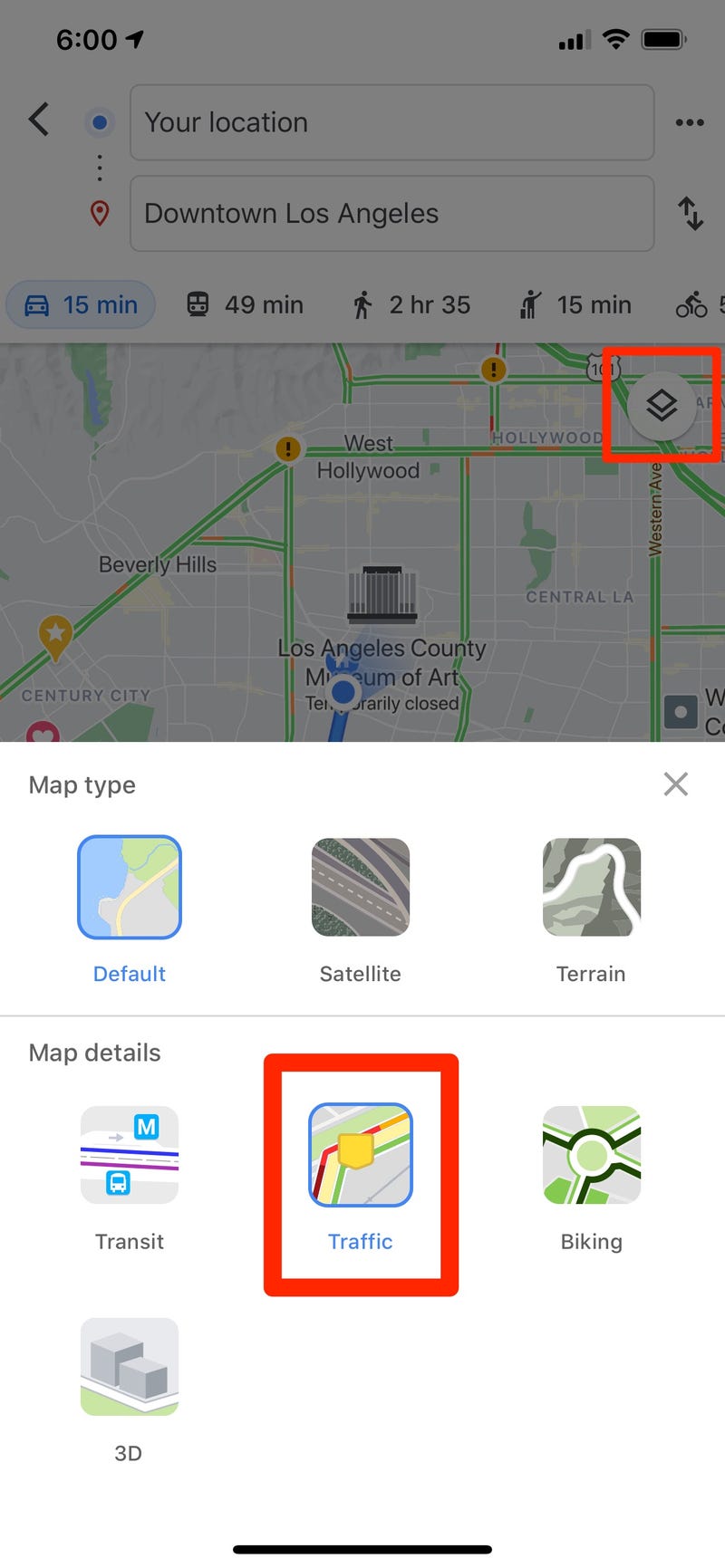
- Traffic information: Compatible devices may provide traffic updates and suggest alternate routes. Availability can depend on the model, connection method, and region.
- Driver alerts: Some models offer alerts for conditions such as sharp curves, speed changes, or school zones. These alerts are aids, not a substitute for attentive driving.
- Map updates: Garmin devices may support map updates through Garmin’s software or services. The update process and included coverage depend on the product.
- Smartphone integration: Certain models connect to a compatible phone for additional features, such as notifications or connected services.
Benefits of a Dedicated GPS Navigator
A separate navigation device can be convenient when you want to keep your phone available for calls, messages, or music. Its screen and controls are designed for in-car use, and many models can continue providing basic directions in areas where mobile data coverage is limited, provided the relevant maps are stored on the device.
A dedicated unit can also be useful for drivers who prefer a straightforward navigation setup. Mounting the device in a consistent location makes it easy to glance at the route while keeping attention on the road.
How to Choose a Garmin Car GPS
Start by considering how and where you drive. For occasional local trips, a basic model with clear directions and the map coverage you need may be sufficient. Frequent travelers may want to compare screen size, traffic features, map-update options, voice control, and smartphone compatibility.
Before buying, review the product details for:
- Included map regions and update terms
- Traffic-information availability and any required accessories or connection
- Screen size, mounting options, and power requirements
- Compatibility with your smartphone, if connected features matter to you
- Support for your vehicle type and preferred routes
Tips for Using Your Garmin Navigator
- Update maps before a major trip. Check Garmin’s instructions for your model and install available updates while parked.
- Set your destination before driving. Enter an address or choose a saved place before you begin moving.
- Mount the device safely. Place it where it is easy to see without obstructing your view of the road.
- Review route settings. Check options such as toll roads, highways, and route preferences so the directions suit your trip.
- Use judgment. GPS maps and instructions can be incomplete or out of date. Follow road signs, obey traffic laws, and make safe decisions when conditions change.
Garmin GPS and Smartphone Navigation
Smartphone apps are a convenient choice for many drivers, especially when live information and frequent updates are priorities. A Garmin car navigator may be a better fit for drivers who want a dedicated screen, prefer not to use their phone for navigation, or need stored maps for travel beyond reliable cellular coverage.
There is no single best choice for everyone. Compare the features, costs, map coverage, and update options of the specific Garmin model with the navigation tools you already use.
Conclusion
Garmin car navigation can provide practical route guidance for daily driving and road trips. To find a suitable device, focus on the features you will actually use, confirm map coverage and update details, and learn the controls before setting out. Used thoughtfully, a GPS navigator can support a smoother journey while safe driving remains the driver’s responsibility.
Garmin Car Navigation FAQs: Best GPS Models, Costs, Google Maps Comparison, and Vehicle Compatibility
- Is Garmin GPS better than Google maps?
- Is Garmin navigation free?
- Which Garmin GPS is best for a car?
- What cars use Garmin navigation?
- Does Garmin still sell car GPS?
- Which is the best Garmin GPS for cars?
Is Garmin GPS better than Google maps?
Whether Garmin GPS is better than Google Maps depends on your needs. A dedicated Garmin navigator offers a separate in-car screen and, on compatible models, stored maps that can provide directions without a cellular data connection. Google Maps is convenient on a smartphone and is known for live traffic, frequent map updates, and information about businesses and places. Compare the specific Garmin model’s features and update options with your phone’s connectivity and preferences, and follow road signs and traffic laws whichever option you choose.
Is Garmin navigation free?
Garmin navigation is not always completely free. Many Garmin GPS devices include maps and basic turn-by-turn directions, but features such as live traffic, connected services, or certain map updates may depend on the model, region, subscription, or compatible smartphone connection. Check the product details for your specific device to see which services are included and whether any require an additional fee.
Which Garmin GPS is best for a car?
The best Garmin GPS for your car depends on your budget, driving habits, and preferred features. For everyday navigation, look for a nüvi or DriveSmart model with a screen size you can read easily, reliable turn-by-turn directions, and maps that cover your region. If you often take road trips, consider features such as traffic updates, voice control, driver alerts, and convenient map updates. Compare the specifications of current models, since features and connectivity options vary, and choose one that fits your needs without distracting you from the road.
What cars use Garmin navigation?
Garmin navigation is available in a range of vehicles, but availability depends on the make, model, year, trim, and market. Some cars include a Garmin-powered system built into the dashboard, while others can use a compatible Garmin portable GPS navigator mounted in the vehicle. Check your owner’s manual or the automaker’s specifications to see whether your car has factory-installed Garmin navigation, and consult Garmin’s compatibility information for details about portable or connected devices.
Does Garmin still sell car GPS?
Yes, Garmin still sells car GPS navigators. Its lineup includes dedicated devices with features that vary by model, such as turn-by-turn directions, traffic information, driver alerts, and map updates. Availability and features can change, so check Garmin’s official website or an authorized retailer for current models and details.
Which is the best Garmin GPS for cars?
The best Garmin GPS for your car depends on your needs, budget, and driving habits. For everyday use, compare Garmin Drive models for features such as screen size, traffic information, driver alerts, and map updates; frequent travelers may prefer a model with more advanced routing or connected features. Check the specifications for your region and confirm whether traffic services or updates require a compatible phone or subscription. Ultimately, the right choice is the device that offers the map coverage and features you’ll use most.